

How to Sell on Your Own Website AND ONDC With One Integration
Learn how to connect your website with ONDC using one integration to sync products, inventory, and orders while reaching 30+ ONDC buyer apps.
Quick Answer
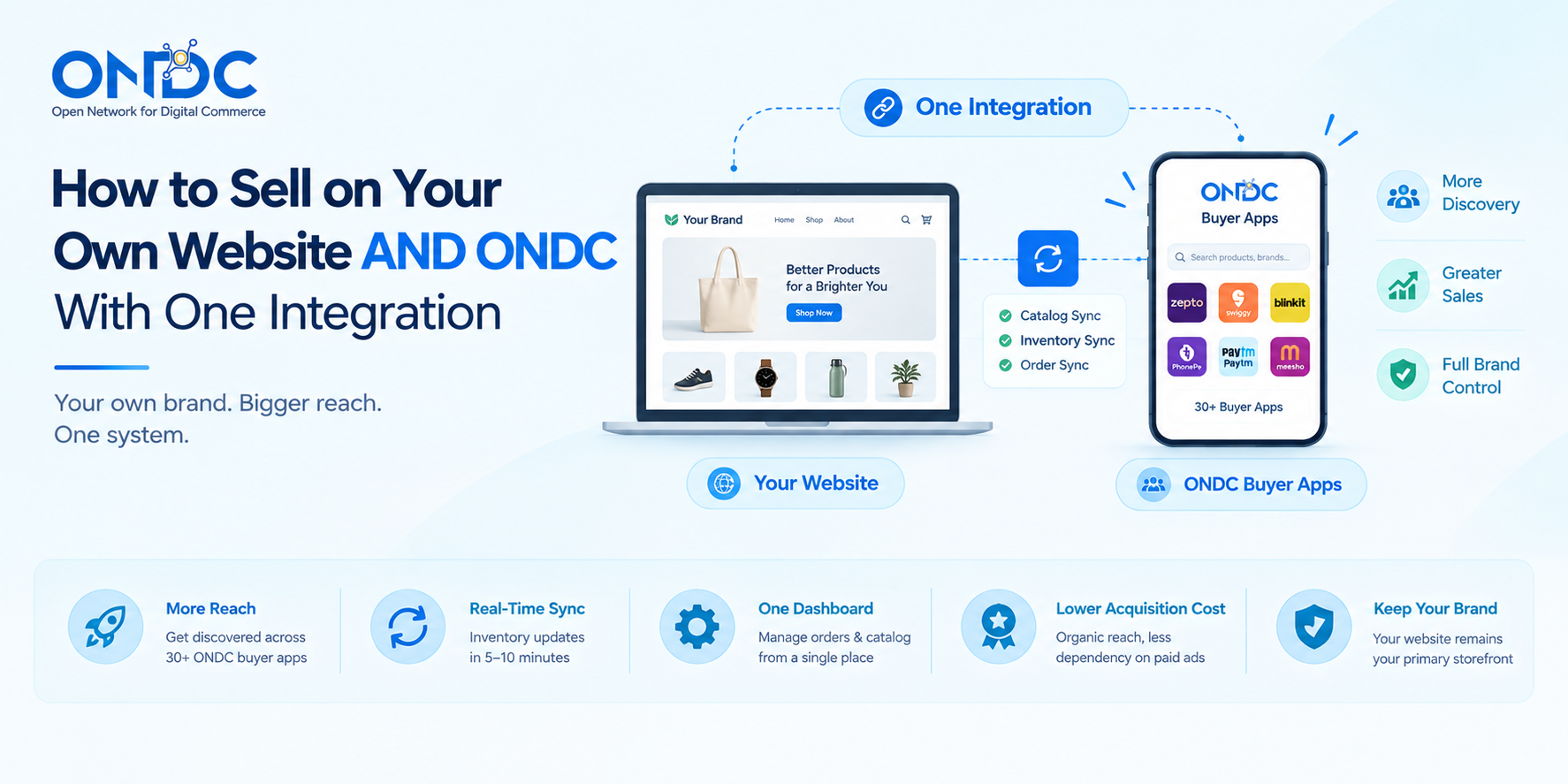
You don't have to choose between your own website and ONDC — a single integration, through a Shopify or WooCommerce plugin or a seller app like COSTBO, lets your existing catalog sync to ONDC's network without maintaining two separate inventories. Once connected, stock levels typically sync near real-time (often within 5-10 minutes) across both channels, so an order on either side updates availability everywhere, and your website remains the primary brand experience while ONDC adds discovery through 30+ connected buyer apps.
The old D2C playbook was simple: build your own website, drive traffic, own the customer relationship. It still works — but most successful D2C brands in 2026 no longer treat that as the whole strategy. They run their own storefront alongside marketplace and network channels, using one connected system rather than managing inventory by hand in two places. ONDC fits into that hybrid model well, and connecting it doesn't mean rebuilding anything — it means adding one integration on top of what you already have.
Why Hybrid (Website + Network) Is the Default Model Now
- Most established D2C brands now combine their own storefront (for margin, brand control, and customer data ownership) with marketplace and network channels (for discovery and reach) rather than picking one or the other
- Direct-to-consumer sales have grown fast enough globally that owning your own channel alone is no longer considered sufficient for most growing brands — reach through additional channels like ONDC has become part of a normal growth strategy, not a compromise on brand control
- On ONDC specifically, this hybrid approach also means lower customer acquisition costs than website-only growth, since ONDC's lower seller commissions and open network structure make the additional channel accessible without marketplace-level fees eating into margin
How the Integration Actually Works
- A connector or plugin — through Shopify, WooCommerce, or a dedicated seller app — links your existing product catalog to the ONDC network, rather than requiring you to build or maintain a second, separate listing
- Once connected, your catalog becomes visible to ONDC buyer apps automatically, using the same underlying protocol that makes any ONDC-registered seller discoverable across the network
- Inventory sync typically happens near real-time — many integrations sync stock levels within 5-10 minutes — so a sale on your website reduces available stock on ONDC listings (and vice versa) without manual updates on either side
- Order, shipment tracking, and even cancellations/returns data generally sync back into one place, so you're not logging into two separate systems to manage fulfillment
Website + ONDC vs Website Alone — At a Glance
Step by Step: Connecting Your Website to ONDC
- Choose your integration path — a plugin/connector if you're on Shopify or WooCommerce, or a full seller app like COSTBO if you want a unified dashboard for catalog, inventory, and orders across both channels.
- Complete ONDC seller registration through your chosen seller app — PAN, GSTIN, and category-specific documents (like FSSAI for food/grocery) are required, the same as registering as a seller on ONDC directly.
- Map or upload your existing product catalog — most integrations pull directly from your website's product data rather than requiring a rebuild, though category tagging and attributes may need review to match ONDC's listing requirements.
- Set your inventory sync frequency and confirm stock levels are reflecting accurately across both your website and the new ONDC listing before going live.
- Configure delivery options for ONDC orders — this may use your own logistics setup or an on-network logistics provider, separate from however you currently ship website orders.
- Go live and monitor both channels from one dashboard — checking that orders, cancellations, and returns are syncing correctly in the first few weeks is worth the extra attention.
Choosing Between a Plugin and a Full Seller App
- Shopify/WooCommerce plugins (e.g., connectors from providers like Commercium or Webkul) are a good fit if your website is already your primary sales channel and you mainly want ONDC as an additional discovery layer with minimal operational change
- A dedicated seller app like COSTBO makes more sense if you want deeper control — multi-warehouse inventory sync, automated order routing, and a single dashboard built specifically for managing both channels together, rather than a plugin bolted onto your existing store
- Either path avoids the core problem this guide addresses: running two disconnected systems and manually reconciling stock between them
Common Pitfalls When Connecting Website + ONDC
- Not reviewing category-specific listing requirements before going live — a product that sells fine on your website may need additional attributes (certifications, pack size, etc.) to list correctly on ONDC
- Assuming sync is instant — most integrations sync within minutes, not seconds, so very high-velocity flash sales need buffer stock or manual monitoring during peak windows
- Treating ONDC pricing as identical to website pricing by default — some sellers adjust pricing slightly per channel to account for different fee structures, so check your margin math per channel rather than assuming a single price works everywhere
Frequently Asked Questions
Do I need to rebuild my website to sell on ONDC?
No — most integrations connect to your existing Shopify or WooCommerce catalog through a plugin or connector, syncing your current product data rather than requiring a rebuild.
How fast does inventory sync between my website and ONDC?
Most integrations sync stock levels near real-time, commonly within 5-10 minutes, though the exact speed depends on which plugin or seller app you're using.
Can I use different prices on my website versus ONDC?
Yes — pricing per channel is generally controllable independently, which some sellers use to account for different commission or fee structures between their website and ONDC listings.
Will selling on ONDC affect my website's own SEO or branding?
No — your website remains a fully separate, independently branded storefront; ONDC simply adds an additional discovery channel through buyer apps, without altering your website's structure or content.
What's the difference between a plugin connector and a full seller app for this integration?
A plugin adds ONDC as a secondary channel on top of your existing Shopify/WooCommerce setup with minimal changes, while a full seller app gives you a unified dashboard built specifically for managing both channels, inventory, and orders together.
Add ONDC Without Duplicating Your Work
The point of this integration is additive reach, not a second job. Platforms like COSTBO are built to sync your existing catalog into ONDC's network with multi-warehouse inventory support and unified order management, so your website stays the primary brand experience while ONDC brings in the extra discovery layer.
References
• Connect WooCommerce to ONDC Effortlessly — SellerApp
• Webkul ONDC Connector for Shopify —
• ONDC Integrations List: Connect ONDC with Shopify, WooCommerce & More —
• D2C vs B2C: What Is Direct-to-Consumer & How to Build a D2C Brand [2026] — OneCart
Read More
- Building Blocks of ONDC: A Detailed Guide to India’s Open Digital Commerce Infrastructure
- ONDC A Revolutionary Open eCommerce Network – in Action
- Roles of Seller App & Buyer App on ONDC Network
- Why Sell Online Through the ONDC Network?
- Getting Started as a Seller on ONDC: Registration Options
- Which Is the Best ONDC Seller App? Features, Pros & Cons (2026)
- Best ONDC Buyer Apps in 2026: Features, Pros & Cons
- What is ONDC Buyer App
Related post
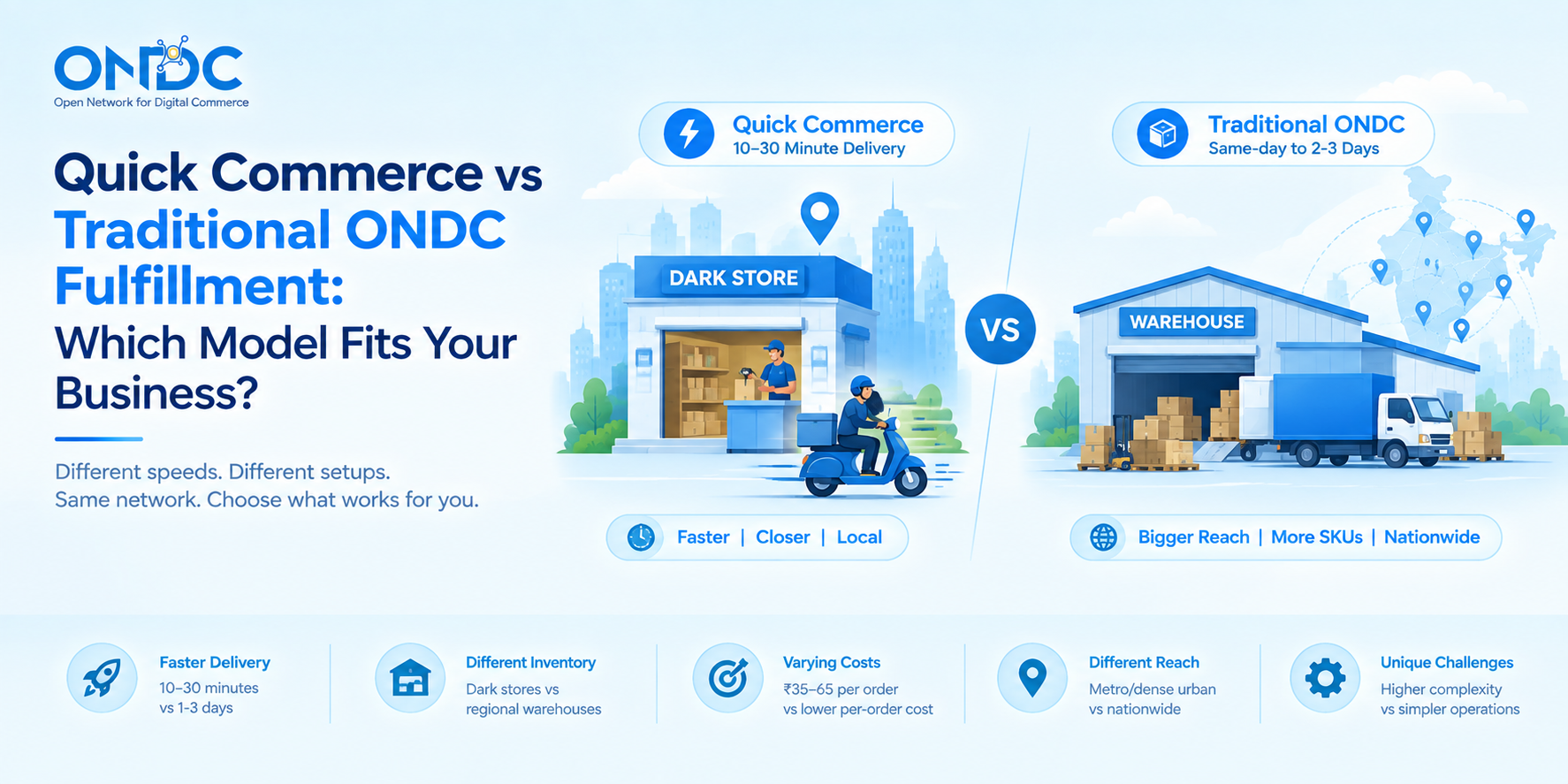
Quick Commerce vs Traditional ONDC Fulfillment: Which Model Fits Your Business?
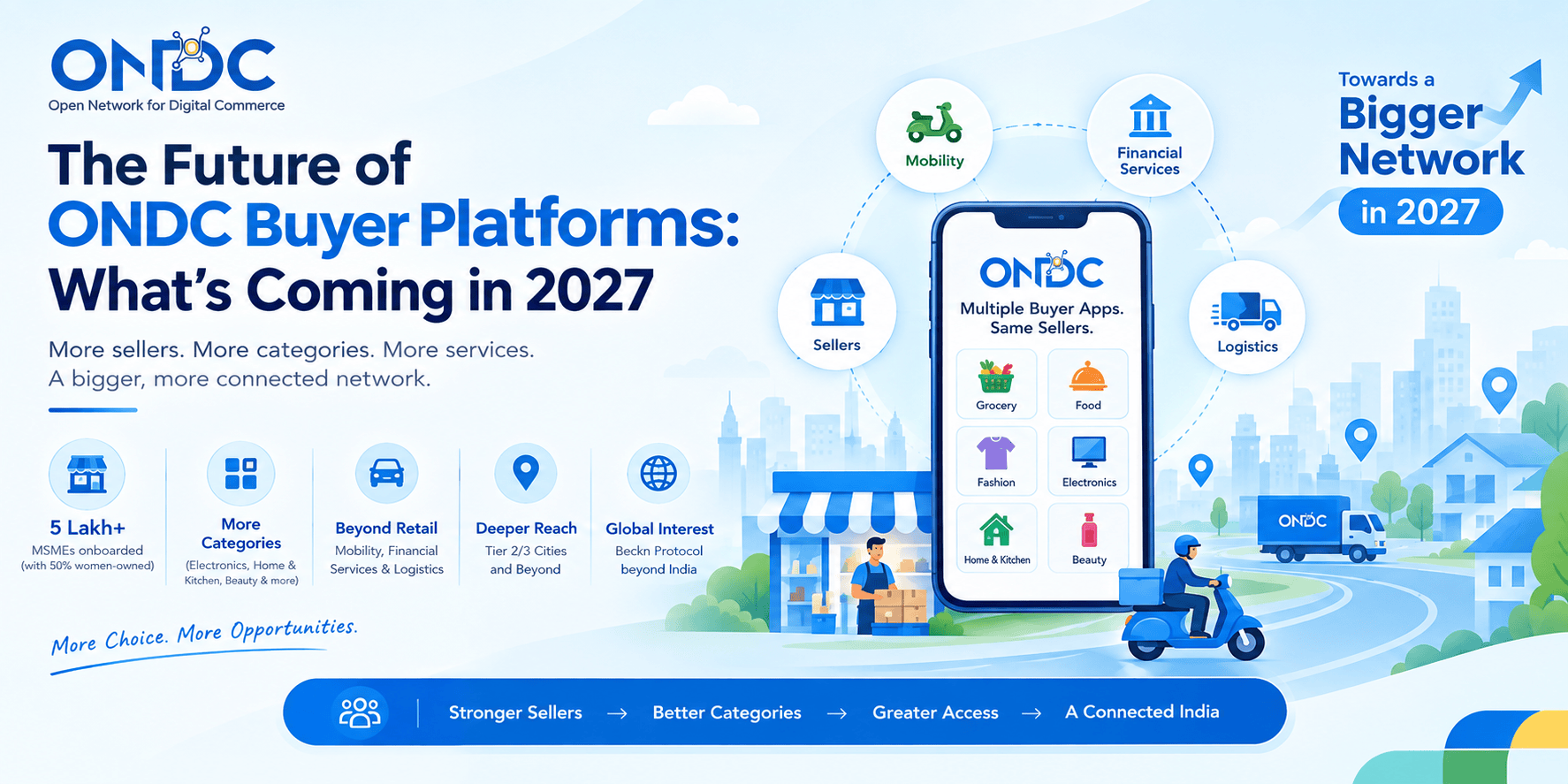
Future of ONDC Buyer Platforms: What's Coming in 2027
.png)
How Logistics & Delivery Partners Plug Into ONDC Buyer Platforms
.png)
Sounds like COSTBO might be the right choice for your business?
Get started by registering your business today! If you have any questions, we're here to help. Our team will reach out to you with detailed information about our offerings, product features, and a demo